
Collapsing feedback collection and session replay into a single tool often leaves product teams juggling disconnected workflows and manual ticket handoffs. Most options require separate widgets, browser extensions, or third-party integrations that slow triage and fragment bug reproduction. You can compare pricing, workflow integrations, and replay depth across five alternatives and match the right tool to your product team's review needs.
Table of Contents
Coevy
At a Glance
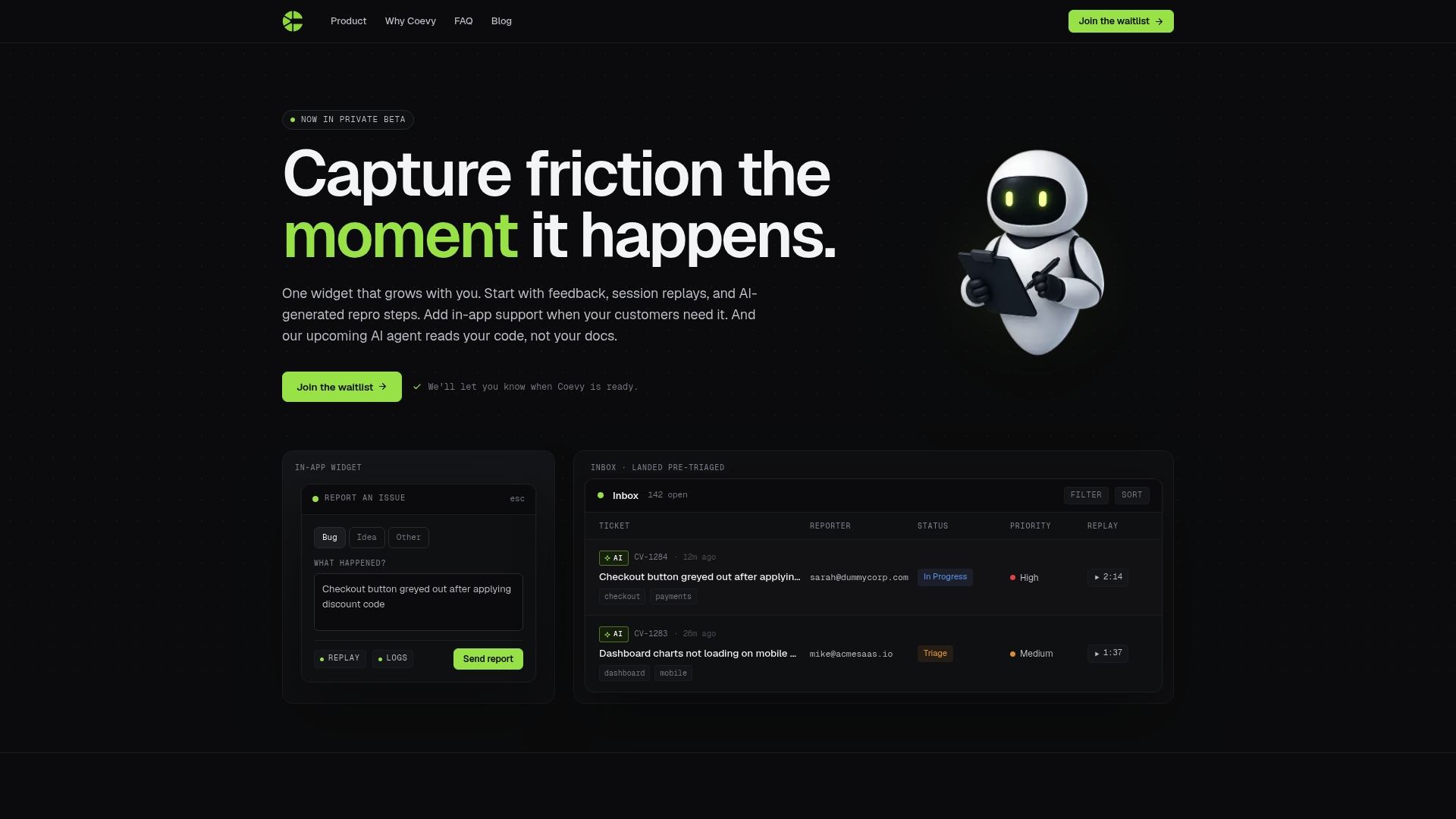
An upcoming AI agent that reads your actual codebase is listed as a planned feature. The vendor advertises that the agent will produce precise answers and debugging guidance tied to real source files. Coevy is currently in private beta and packages feedback, session replays, and automated reproduction steps inside a single in app widget.
Core Features
Feedback capture covers bug, feature, and NPS reports while the in app widget keeps the report inside the product. Session replays record console logs, network requests, and browser and operating system data so engineers see runtime context. The system produces AI generated reproduction steps from session data and attaches replays to a pre triaged support inbox with AI tagging and prioritization.
Key Differentiator
Coevy centers those capabilities inside one lightweight widget so a support ticket arrives with replay, logs, and reproduction steps already attached. That arrangement reduces the manual handoff between support and engineering. The planned codebase aware AI aims to link answers to actual source code rather than only documentation.
Pros
One widget replaces multiple separate tools, which reduces setup time and the number of products to maintain. AI generated reproduction steps and attached session replays give developers the exact runtime signals needed to reproduce bugs. The pre triaged inbox uses AI tagging and prioritization to cut the manual work of sorting and assigning tickets.
Cons
- Still in private beta, so features and integrations are limited and may change.
Who It's For
You should evaluate Coevy if you are a solo founder or a small to medium product team that wants to collapse support, feedback collection, and basic triage into one embedded control. Product managers who rely on replayed sessions and developers who need reproducible bug steps will get the most value. Larger enterprises that require mature integrations or formal SLAs may find the beta too limited today.
Unique Value Proposition
The widget automatically attaches full session replays and developer focused logs to every issue, then generates step by step reproduction instructions from that context. That approach shortens the back and forth between support and engineering because tickets arrive with runnable evidence. When the codebase aware agent ships, the same evidence will feed answers that reference actual files and functions.
Real World Use Case
A solo SaaS founder adds the widget to a beta build and asks customers to report bugs in product. When a customer files a bug the founder gets a replay, console output, and AI generated reproduction steps in one ticket. The founder forwards that package to the developer who reproduces and fixes the issue faster because the logs and steps remove guesswork.
Pricing
Pricing has not been published while Coevy remains in private beta. The vendor has not listed tiers, seat pricing, or public plans. Access currently requires a private beta invite and payment details are not available.
Website: https://coevy.com
Marker.io
At a Glance
Marker.io reports a multinational customer reduced bug resolution time by tenfold after routing annotated reports into Jira and Trello. The company says that outcome came from pairing high-fidelity screenshots with session replay and automated technical metadata. The result describes a clear focus on turning visual feedback into actionable tickets.
Core Features
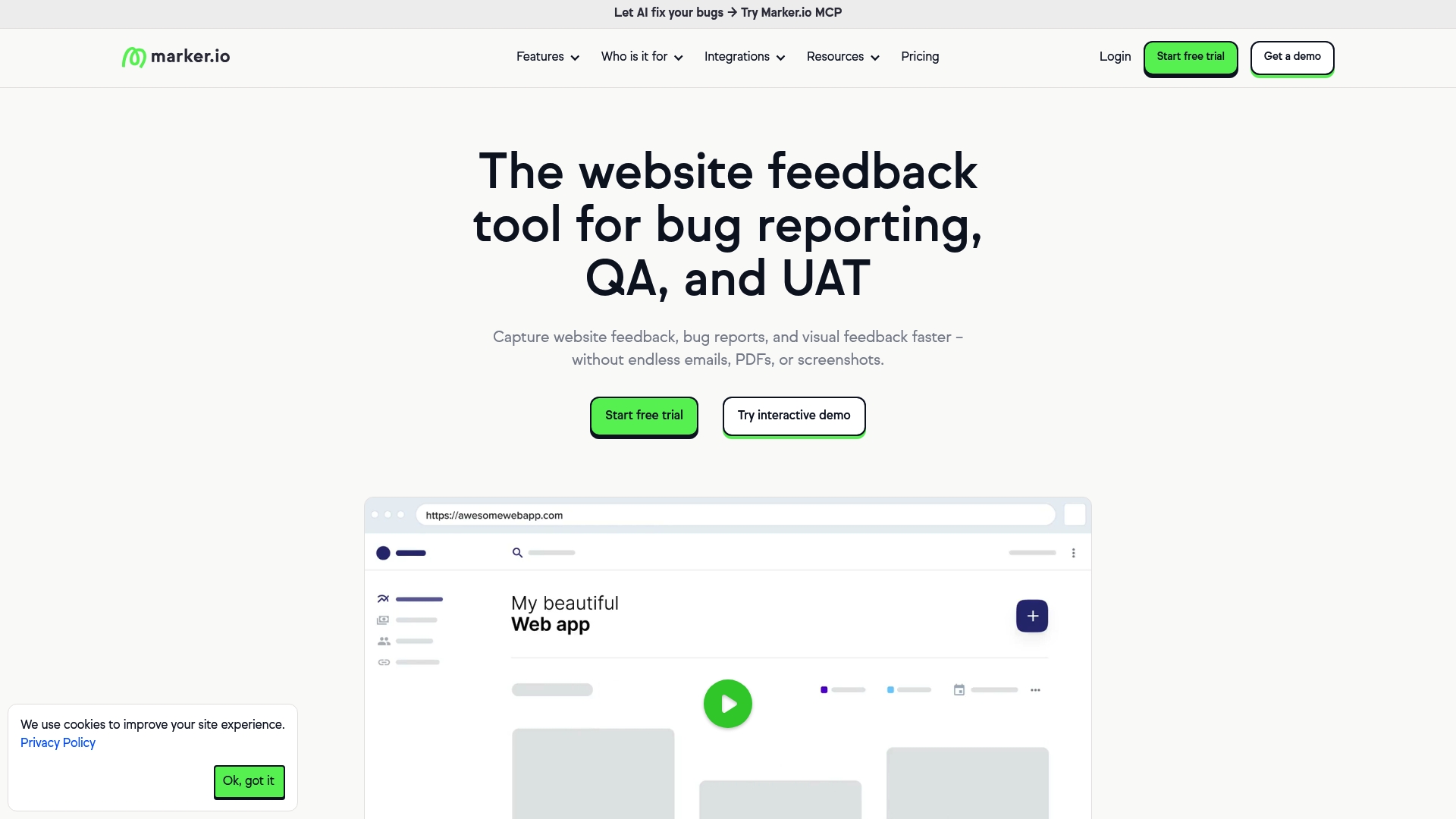
The tool captures high-fidelity screenshots with visual annotations, then attaches technical metadata and console logs to each report. Installation uses a responsive widget or browser extension so stakeholders can send feedback without leaving the site, and integrations push issues into project boards. The product also records session replay so developers can see the user actions that led to a bug.
Key Differentiator
Marker.io stands out for integrating directly with major project management tools while preserving rich visual context. That combination moves annotated screenshots, console data, and session replay into Jira, GitHub, Trello, or Asana as actionable issues. Teams that already manage work in those systems will find fewer manual handoffs.
Pros
The widget and extension make capture and annotation fast for nontechnical stakeholders, which cuts friction in triage. The vendor advertises GDPR and SOC 2 compliance for enterprise customers. Strong native links to Jira, GitHub, Trello, Asana, and others mean you can route reports into existing workflows and avoid duplicate tracking.
Cons
Customization for very large organizations can be complex and may require professional services or extra setup time.
Free plans have limits, and teams with heavy reporting needs report higher costs as usage grows.
The product lacks built-in real-time collaboration for simultaneous editing, relying instead on integrations for team workflows.
When It May Not Fit
Marker.io requires embedding code on the site, so teams that cannot add third-party scripts for security or policy reasons will not be able to use it. Organizations that need advanced features but cannot budget for enterprise plans will find some capabilities gated. If you need native, real-time co-editing inside the reporting UI, this product relies on your issue tracker instead.
Notable Integrations
Jira
Trello
GitHub
Asana
Bitbucket
GitLab
Azure DevOps
Notion
Who It's For
Teams that manage multiple websites and push work into project boards will benefit most. Web developers, QA managers, product managers, and digital agencies who need contextual bug reports and traceable tickets fit this product. It aligns with teams that prefer to keep triage inside Jira, GitHub, or a similar tracker.
Real World Use Case
A global marketing team used Marker.io to collect annotated reports from regional stakeholders and route them into Jira and Trello. That report says the approach consolidated feedback across sites and reduced toggling between email and issue trackers. The example shows how visual context and automated metadata speed developer triage.
Pricing
Plans start at $39 per month and the company offers a 15-day free trial. Enterprise features and higher usage tiers require contacting sales for custom pricing. The public starting price makes it accessible for small web teams.
Website: https://marker.io
BugHerd
At a Glance
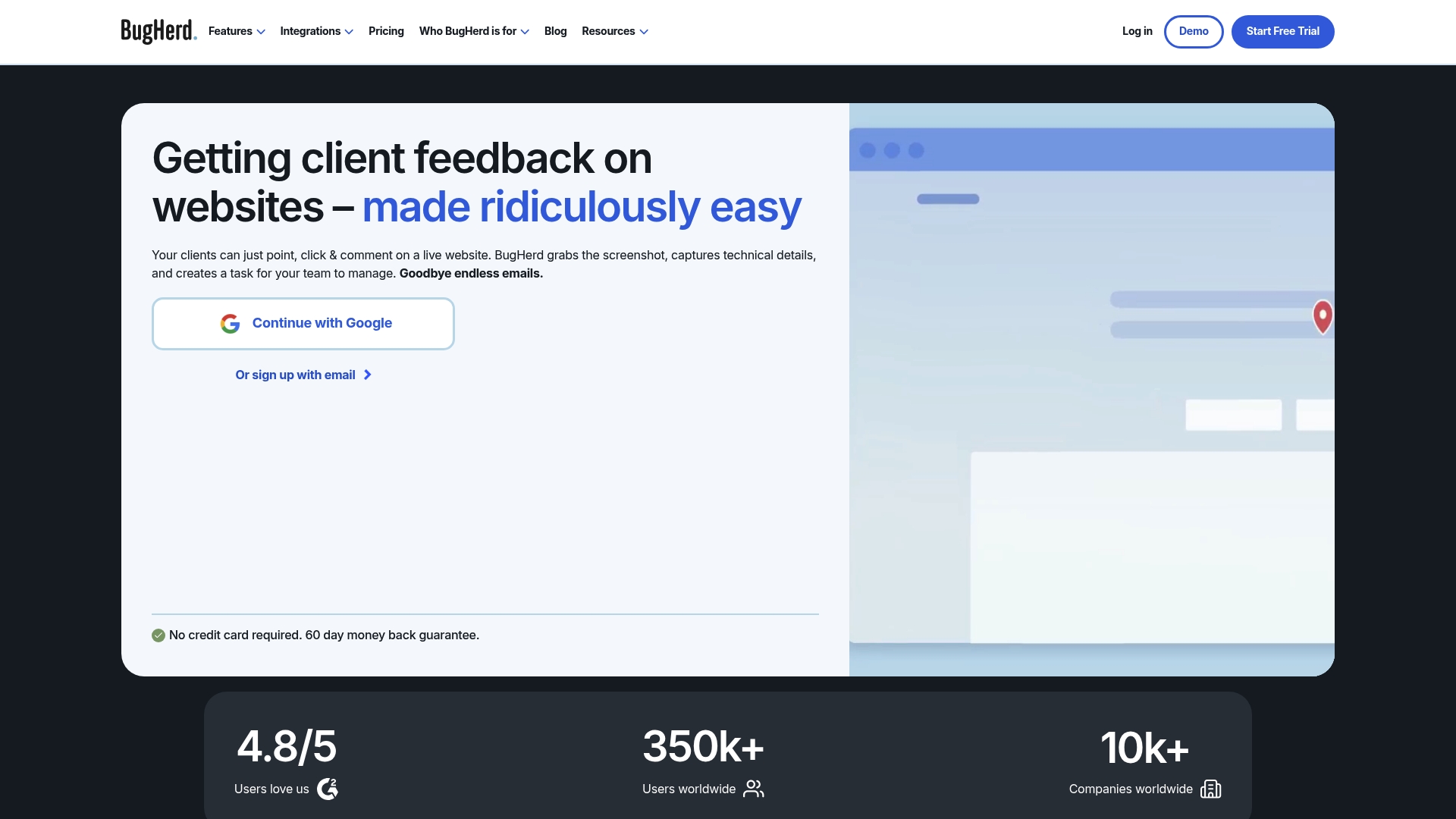
Clients can report website issues without creating accounts or logging in. BugHerd captures browser, OS, and screen resolution automatically and attaches screenshots to tasks. This design removes back-and-forth email and delivers context developers need to reproduce bugs.
Core Features
BugHerd offers in-context website feedback and visual annotation so people click an element and leave a comment on the page. It records automatic screenshots with technical details and groups items on an integrated Kanban task board that supports deadlines and permission controls. Setup works via a browser extension or a JavaScript snippet, and the product includes AI features like auto-title generation and auto-tagging in beta.
Key Differentiator
The tool focuses on visual, contextual feedback directly on live and staging sites while attaching technical metadata to each report. That combination reduces guesswork for developers and shortens the handoff between design, QA, and engineering.
Pros
The visual feedback method lowers the barrier for client and stakeholder reporting. Automatic capture of browser and device details saves developer time when reproducing issues. Integration reach includes project boards and communication tools, which helps tickets flow into existing developer workflows. Allowing clients to submit feedback without an account speeds review cycles and reduces administrative friction.
Cons
Some teams report that integrating BugHerd into complex deployment workflows requires careful setup and extra configuration.
Advanced enterprise controls such as custom branding and single sign on sit behind higher-tier plans. That may add cost for larger organizations.
Free or lower-tier plans limit features that larger projects often need, which forces upgrades or add-on tooling.
When It May Not Fit
If you need offline capture or field reporting without internet access, this tool will not meet that requirement. Teams that require full automation across complex pipelines may find they still need additional orchestration tools. Small teams on tight budgets should compare tier limits before committing to avoid unexpected plan upgrades.
Notable Integrations
BugHerd connects to popular project and communication platforms to push issues into existing workflows. Notable integrations include:
- Trello, Asana, ClickUp, and Jira
- Slack and MS Teams
- GitHub and analytics/testing platforms such as FullStory and LogRocket
- WordPress, Drupal, Zapier, Make, Harvest, Time Doctor, and Firmao
Who It's For
Web development teams, digital agencies, and in-house digital teams that manage websites and client feedback will get the most value. UX and UI designers benefit from point click feedback during review cycles. Project managers running web releases can use the Kanban board and deadline controls to coordinate fixes.
Real World Use Case
A web design agency embeds BugHerd on a staging site during client review. Clients pin annotations to specific elements and suggest copy edits. Developers receive tasks with screenshots and device metadata and can prioritize fixes on the Kanban board, cutting down email rounds and miscommunication.
Pricing
Plans start at $50/month for the Standard plan with higher tiers for agencies and enterprises. The vendor offers a free seven day trial and custom pricing options for larger accounts.
Website: https://bugherd.com
Usersnap
At a Glance
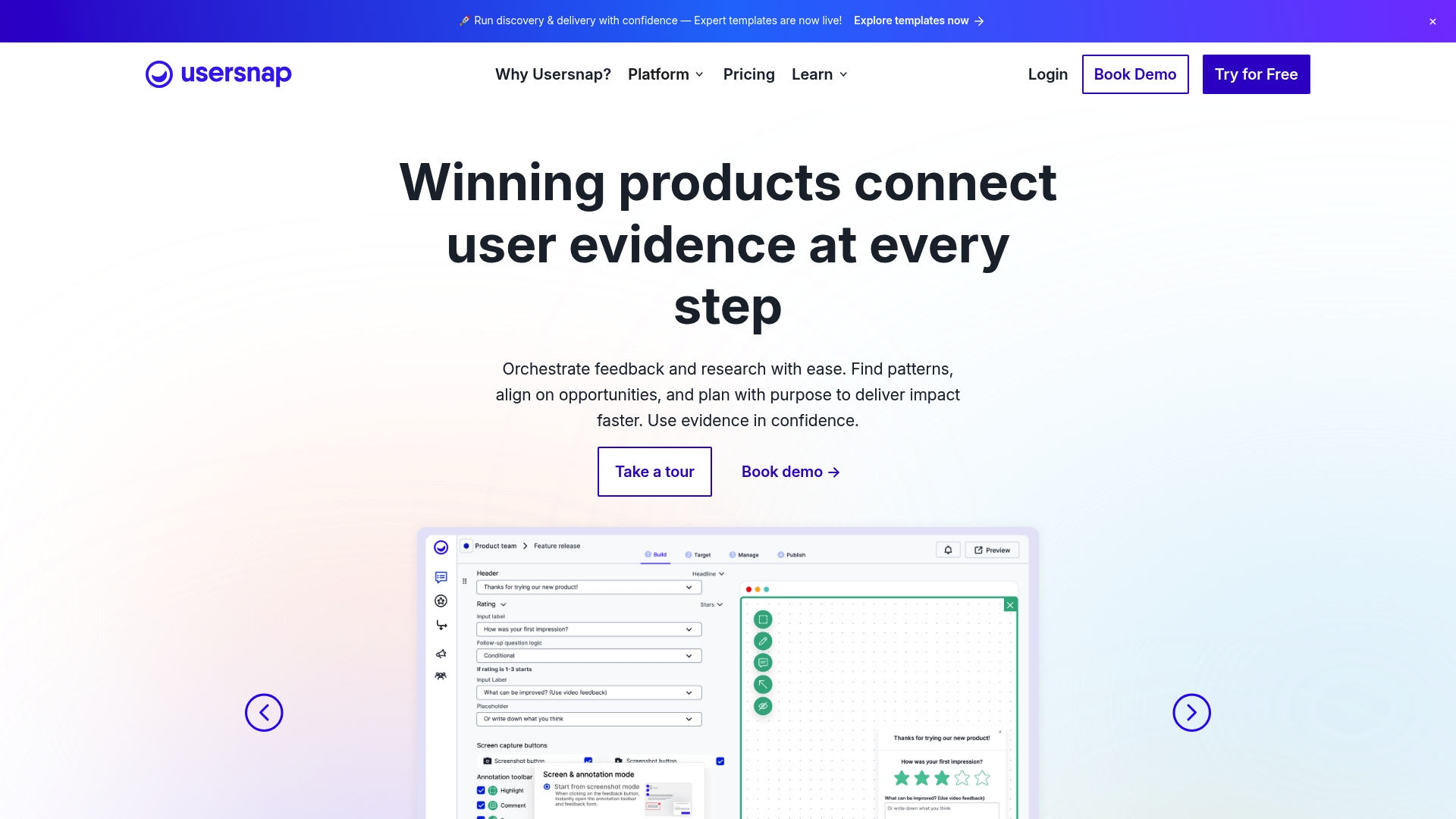
According to the company, Usersnap offers €0 for the first 20 feedback items and integrates with more than 100 tools including Jira and Slack. It records annotated screenshots and captures metadata inside the browser. Teams use those records to file clearer bug reports and collect structured user feedback.
Core Features
Usersnap captures annotated screenshots, DOM metadata, and browser context so developers see the exact state that produced an issue. The platform includes in-app surveys and custom branding to gather targeted responses across languages. According to the company, its AI-powered feedback analysis groups similar reports and helps prioritize which items to address first.
Key Differentiator
The product's defining strength is the complete integration of visual feedback, AI insights, and workflow management within one interface. That keeps screenshots, priority signals, and issue links together so handoffs require less manual context. The approach suits teams that need contextual bug reports pushed directly into their issue trackers.
Pros
Annotated screenshots with metadata make reproduction faster and reduce back-and-forth between support and engineering. Built-in connectors to Jira, Trello, Slack, Azure DevOps, and GitHub allow teams to push reports directly into existing trackers and channels. Custom branding and multilingual support let product teams gather feedback from global users without adding separate survey tools. The platform’s AI groups similar reports and surfaces trends, and that capability helps product managers prioritize work more quickly.
Cons
- May be costly for small teams. The tiered plans and per-item pricing can add up for low-volume teams.
- Complex customization may need technical support. Deep changes to widgets or workflows often require engineering time.
- AI features can be complex to fully leverage. Teams without a clear tagging or triage process may get noisy results.
When It May Not Fit
Usersnap is not ideal for solo developers or very small operations that only need basic feedback collection. Organizations that cannot allocate configuration or engineering time will find customization a hurdle. Teams already tied to a single lightweight survey tool may find the full platform more than they need.
Notable Integrations
- Jira
- Azure DevOps
- Trello
- Slack
- GitHub
Who It's For
Product managers, customer support teams, and developers who need visual, contextual bug reports and a single place to collect feedback. Teams that route work through issue trackers and want feedback to arrive ready for triage. Organizations with multilingual audiences or custom branding requirements will benefit from the platform.
Real World Use Case
A SaaS company embeds Usersnap in its app to capture in‑context screenshots when users report bugs. The team relies on the AI grouping to combine duplicate reports and priorities. Engineers receive prefilled Jira tickets and product managers discuss feature requests directly in Slack.
Pricing
Pricing starts with free handling for the first 20 feedback items, then monthly plans beginning at $49/month. Higher tiers add capacity and features, and enterprise plans are quoted as custom solutions.
Website: https://usersnap.com
LogRocket
At a Glance
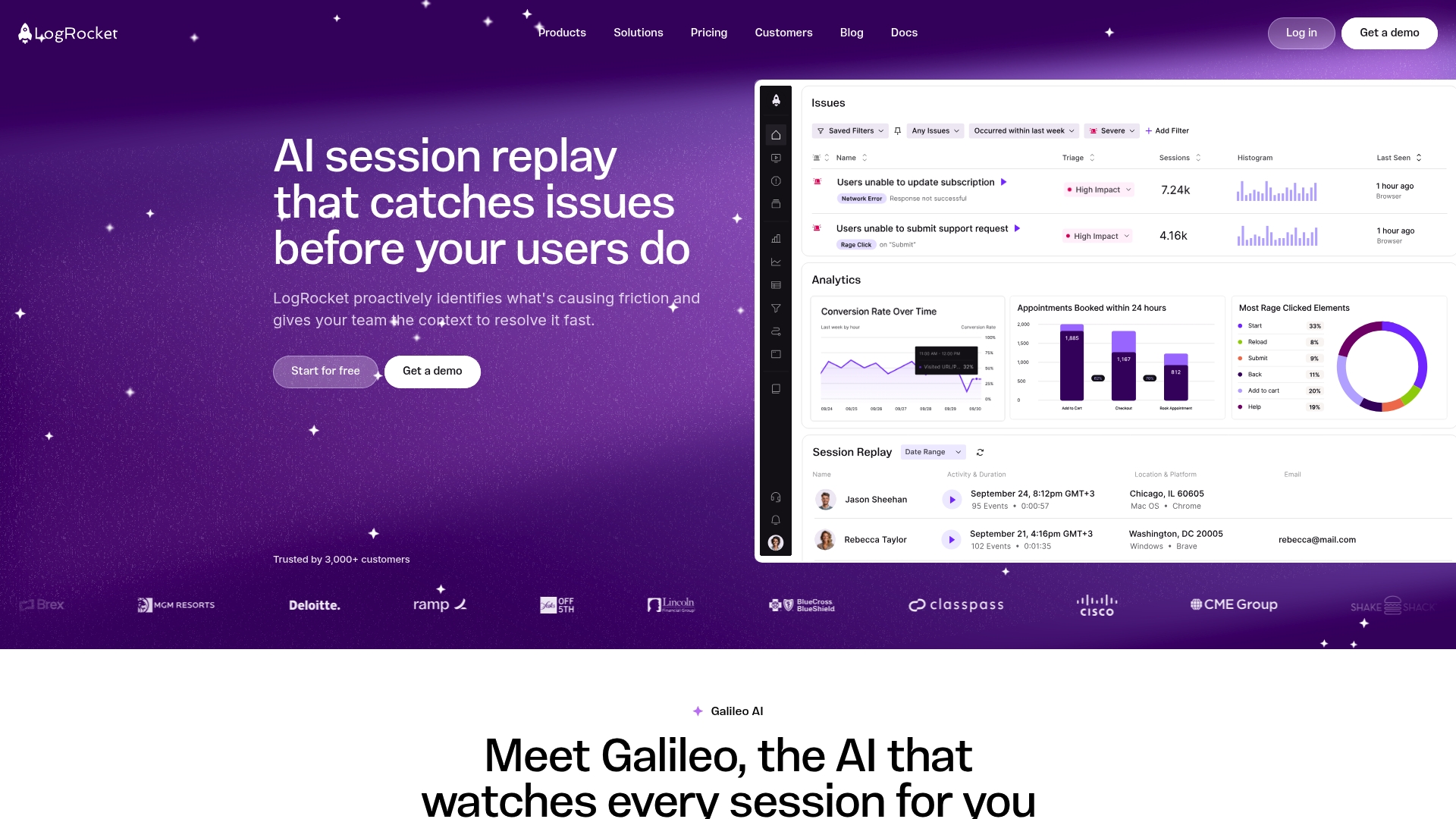
LogRocket reports being trusted by over 3,000 companies including CapitalOne, Amazon, and Cloudflare. The platform pairs AI session replay with product analytics to recreate user flows and surface issues automatically. Teams use it for error tracking, performance monitoring, and session search to reproduce bugs faster.
Core Features
LogRocket captures full session replays and attaches event metadata, network traces, and console logs so you can reproduce frontend problems. It combines performance metrics such as web vitals and CPU usage with visual tools like heatmaps, clickmaps, and retention funnels for conversion analysis. Real-time alerts, webhooks, and session sharing speed collaboration between product, support, and engineering.
Key Differentiator
Galileo AI highlights the most impactful user friction points across sessions before customers report them. That capability moves the product from reactive replay to proactive detection and prioritization. Teams that need signal prioritization rather than raw session volume will find that focus valuable.
Pros
LogRocket proactively surfaces issues and reduces time spent chasing vague bug reports. The product blends qualitative replay with quantitative analytics, so you can trace a metric drop back to a specific session. Rich connectors mean you can push issues into Jira or share alerts in Slack and email, which speeds triage for cross functional teams. Heatmaps and frontend performance data help you diagnose whether a problem is interaction design, network related, or caused by a third party script.
Cons
- Some third party reviews report a steep learning curve for new users, especially for configuring advanced filters and search.
- Pricing transparency is limited; larger organizations report higher costs and complex billing structures.
- Feature complexity can overwhelm small teams or single developers without dedicated analytics resources.
When It May Not Fit
If your team has minimal analytics expertise or no dedicated front end engineer, LogRocket’s setup and signals may add overhead. Small startups on tight budgets may find the cost and onboarding demands unfriendly. Projects that need lightweight replay without performance metrics will likely prefer a simpler recorder.
Notable Integrations
- Jira for issue tracking and workflow handoff.
- Slack and Microsoft Teams for incident alerts and collaboration.
- Data warehouses such as BigQuery, Snowflake, and Redshift for long term analysis.
- Customer support tools like Zendesk, Intercom, and Kustomer for ticket context.
- Error tracking tools such as Bugsnag, Sentry, and Rollbar for consolidated error reports.
Who It's For
Product managers, UX designers, front end developers, and QA teams at mid to large sized tech companies. Teams that need to connect session traces to metrics and to route findings into existing workflows will get the most value. The product suits organizations that can invest in setup and ongoing analysis.
Real World Use Case
A SaaS company used LogRocket’s session replay and Galileo AI to isolate a checkout flow bug that reduced conversions. Engineers reproduced the exact steps from the replay and fixed a race condition. The team then validated the fix with post release sessions and improved checkout stability.
Pricing
Not applicable — informational only. Contact LogRocket or visit the website for current plans and enterprise quotes.
Website: https://logrocket.com
Comparison of alternatives
Among the options for integrated in-app feedback and debugging tools, Coevy's AI-powered reproduction feature sets it apart. This comparative analysis explores the strengths and considerations for the leading tools: Coevy, Marker.io, BugHerd, Usersnap, and LogRocket.
Integration capabilities
Marker.io is particularly easy for teams to implement directly into their existing project tracking tools like Jira and GitHub. Its operation within these platforms enables developers and project managers to efficiently handle and resolve incoming user-reported issues. In contrast, Coevy simplifies developer workflows by integrating AI-generated reproduction steps within its support ticket system. While Marker.io excels in plug-and-play partnerships with project trackers, Coevy provides a more tailored support experience by reducing the manual collection of context needed for issue resolution.
Advanced analysis and reproduction tools
LogRocket introduces AI-driven session replay analytics, pinpointing crucial frontend issues even before being reported by end-users. Teams needing visibility into performance data tied directly to user interactions can leverage LogRocket for proactive error correction. However, Coevy's unique ability to generate automated reproduction steps directly linked to collected session data is highly advantageous for engineering teams aiming to reduce debug cycle times.
Best fit
- Software development teams seeking a multitasking solution that integrates session logging, issue triage, and automated reproduction steps should consider Coevy.
- Teams heavily relying on integrations with project tracking platforms, such as Jira or GitHub, will benefit from Marker.io’s direct connector architecture.
- Agencies managing clients that demand user feedback with annotated screenshots and automatic metadata should explore BugHerd for its visual interface.
- Organizations focusing on data-driven debugging with detailed analytics and active frontend issue detection would find LogRocket suitable.
- Companies with multilanguage survey needs and structured issue prioritization should evaluate Usersnap as a primary tool for feedback and reporting.
Our pick
Coevy addresses unique challenges in the debugging process by combining automated reproduction with an efficient and lightweight in-app widget. This integration of diagnostics, replay, and triage into one system provides immense value to product teams, especially smaller-scale operations or initiatives emphasizing rapid response and high-quality debugging processes. Larger organizations or those requiring extensive setups might opt for an alternative with customization or integration features better suited to their scale.
Experience the versatility of Coevy's unified in-app debugging and reporting capabilities compared to other tools.
| Product | Feature Highlight | Use Case | Pricing | Limitation |
|---|---|---|---|---|
| Coevy | Combines bug reporting, session replay, and AI triage in one widget | Small to medium product teams needing efficient debugging | Price not published | Limited availability in private beta |
| Marker.io | Annotated screenshots integrated into Jira and Trello workflows | Teams managing workflows in project trackers | $39/month, free trial available | Advanced functionality requires higher-tier plans |
| BugHerd | Contextual feedback with annotated screenshots and Kanban task management | Web agencies receiving client feedback on staging sites | $50/month, 7-day free trial | Challenges in scaling for complex workflows |
| Usersnap | AI-powered feedback consolidation with web integration capabilities | Organizations seeking global audience feedback | From €0 for first 20 items, $49/month after | Limited usage for small teams without customization resources |
| LogRocket | AI-enhanced session replay linked to performance metrics | Teams needing analytical insights for frontend issues | Contact for pricing | Steep learning curve for small teams |
How Can Software Teams Improve Bug Reporting Efficiency?
Many software teams face challenges capturing clear user feedback, and reproducing bugs with limited context. The article highlights how identifying runtime details and delivering precise reproduction steps saves developers time and reduces guessing. Coevy directly addresses these pain points with a single widget that collects user reports, session replays, and AI-generated reproduction steps all embedded in your app.
Coevy reduces the back-and-forth between support and engineering by attaching full session data and logs automatically to every report. Its upcoming AI agent will even analyze your actual code to offer guidance tied to real source files, not just documentation. Software teams from solo founders to growing product groups can unify feedback and support workflows within one tool.
Explore Coevy’s features and see how you can simplify issue tracking while improving bug resolution speed. Start collecting clear bug reports with detailed playback and auto-prioritization so your development team can reproduce and fix issues faster.
FAQ
What makes Coevy ideal for small to medium product teams?
Coevy is well-suited for small to medium product teams because it combines support, feedback collection, and basic triage into a single embedded control. Its features include session replays and AI-generated reproduction steps that provide developers with the exact runtime signals needed to reproduce bugs. This integration helps teams streamline their processes and increases efficiency.
How does Marker.io compare to Coevy?
Marker.io excels in integrating directly with project management tools like Jira and Trello, allowing for a more seamless workflow. Coevy, on the other hand, centralizes feedback capture and session replay into one lightweight widget, which may be more beneficial for teams looking to reduce tool complexity.
Can Coevy generate reproduction steps automatically?
Coevy automatically generates reproduction steps from session data, which helps developers quickly understand and resolve issues. This feature simplifies the reporting process by attaching full session replays and necessary logs to each support ticket, making it easier to provide context to engineers.
Does Coevy support session replays for detailed bug reporting?
Coevy includes session replays that capture console logs, network requests, and browser data to give engineers a comprehensive view of issues. This capability allows developers to see the runtime context of bugs, resulting in faster resolutions.
What are the considerations for larger enterprises using Coevy?
Larger enterprises that require mature integrations or formal SLAs might find Coevy’s features too limited due to its current status as a private beta. Organizations should keep this in mind when evaluating its capabilities against their comprehensive needs.