Finding an in-app feedback widget that captures clear reports without extra tools creates workflow friction for web and product teams. Competing options often force account creation for reporters or split session replays and logs into separate products, which slows down triage. Teams can compare pricing, AI features, and integration depth across these three feedback widget vendors to select the best fit for their triage process.
Table of Contents
Coevy
At a Glance
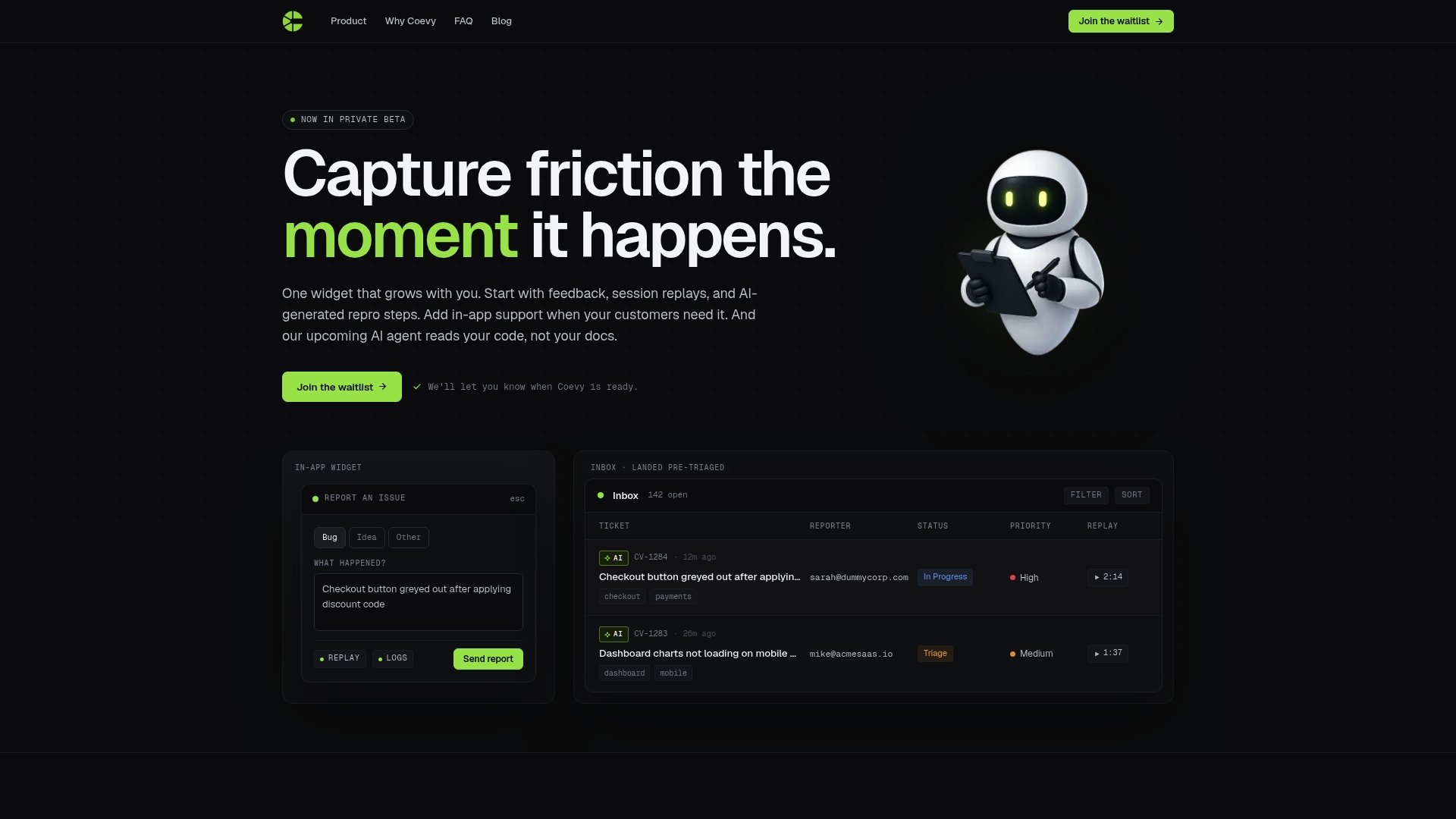
Currently in private beta, Coevy advertises an upcoming AI agent that can read your codebase to provide debugging answers. The platform combines in-app feedback, session replays, and logs into a single widget embedded in your application. That setup aims to reduce back-and-forth between support and engineering during bug triage.
Core Features
Coevy embeds an in-app widget for feedback and bug reporting and captures session replays with logs and network requests to preserve full context. It generates AI-generated repro steps from session data and includes an in-app support ticketing system so teams keep reports and conversations together. The vendor also plans an AI that reads your codebase for targeted debugging assistance.
Key Differentiator
A single scalable widget that grows with your app and attaches session context and AI repro steps directly to support tickets. That structure reduces context loss between customer reports and developer investigation. The code-reading ambition sets it apart because it promises answers that reference actual source code rather than only documentation.
Pros
Coevy consolidates feedback, replays, logs, and tickets into one embedded surface, which reduces the number of separate tools your team must maintain. Its AI-generated repro steps translate session data into step lists for developers, saving time during triage. Session replays include logs and network requests so engineers can see what happened without chasing users for details. The platform supports a gradual rollout from simple feedback to AI-assisted support as your needs grow, and the upcoming code-reading agent aims to improve accuracy of debugging suggestions.
Cons
- Pricing is not yet finalized, so long-term costs are unclear.
Who It's For
Solo developers and small product teams shipping frequent updates who need one place to gather bug reports and customer feedback. Early-stage SaaS teams that want session context attached to tickets will find the widget useful. Teams that plan to use AI to accelerate repro and debugging work will benefit most.
Unique Value Proposition
The widget attaches full session context and AI-derived reproduction steps directly to support tickets, so engineers open a ticket with replay, logs, network traces, and a suggested reproduction path. That reduces manual handoffs between support and development and shortens the time from report to fix in practice. The approach also lowers the maintenance overhead of multiple point solutions.
Real World Use Case
A small SaaS startup uses Coevy to collect in-app bug reports with session replays. Support adds the replay to an internal ticket, and the AI suggests reproducible steps for the developer to follow. The team fixes the bug without lengthy repro requests from users, keeping release cadence steady.
Pricing
Pricing is not yet published. The vendor lists the product as informational only while in private beta, so teams should plan for unknown long-term pricing. Contact the company for private beta access and any early plan details.
Website: https://coevy.com
Marker.io
At a Glance
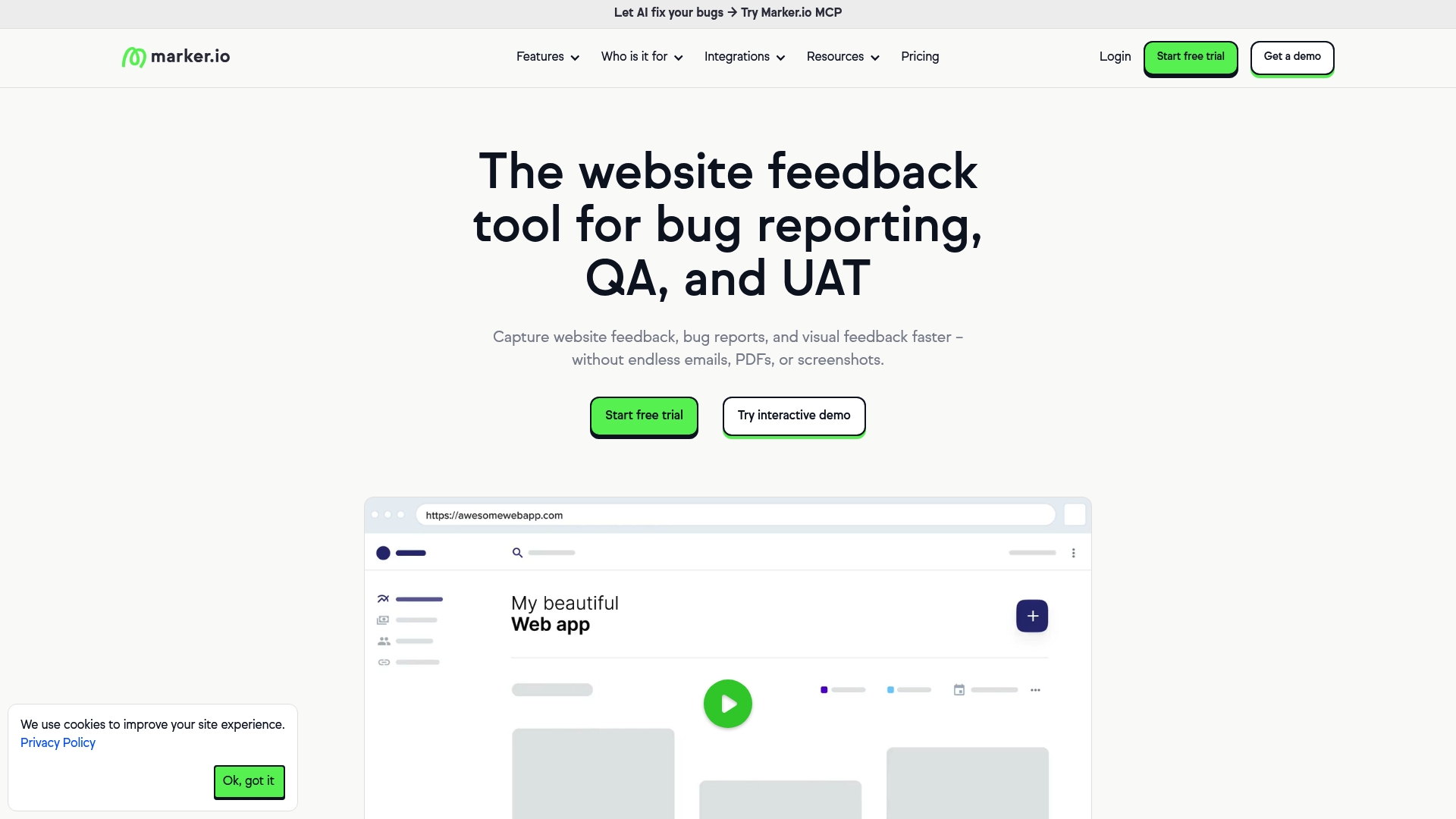
Plans start at $39 per month with a free 15 day trial, and reporters can submit feedback without creating an account. The product targets website teams that need visual bug reports and on page annotations. The vendor advertises GDPR and SOC 2 Type II compliance.
Core Features
Marker.io captures website feedback with visual annotations and screenshots while attaching page context and console logs. It records session replay so teams can see the steps that led to an issue, and it supports data masking to hide personal information in captured media. The product includes AI features for translation, clarity rewriting, and automated title generation to make tickets easier to triage.
Key Differentiator
Marker.io combines AI powered feedback clarity and translation with deep links into project trackers. That mix reduces the manual work of rewriting reports and translating notes for global teams. The integration focus keeps reports flowing directly into existing issue trackers.
Pros
Marker.io integrates with many project tools so development and product teams get bugs where they already work. The browser widget installs with minimal code and lets nontechnical stakeholders send annotated screenshots. Session replay and data masking improve repro steps while protecting user privacy, and the AI powered rewriting helps produce clear titles and descriptions quickly.
Cons
- The interface can feel complex for new users, especially when multiple workspaces and trackers are connected.
- Enterprise level customization for security and branding has limited details in public materials.
- Pricing may be a barrier for very small teams or startups that only need a simple reporting widget.
When It May Not Fit
Marker.io may be more tool than a tiny project needs. Startups seeking a single purpose, minimal setup tool will likely find this feature set heavier than necessary. Teams that need extensive enterprise branding and bespoke security controls should confirm customization options before committing.
Notable Integrations
- Jira
- Trello
- Asana
- GitHub
- GitLab
- Azure DevOps
- ClickUp
- Notion
Who It's For
Teams responsible for website development, QA, and product design who route bugs to existing trackers. Agencies handling multiple client sites will benefit from the annotation and reporting workflow. Enterprises with distributed teams will value the translation and ticket quality improvements.
Real World Use Case
According to the company, a multinational enterprise integrated Marker.io with Jira and Slack and reduced resolution times by 10x. That example shows how direct ticket creation and clearer reports cut back and forth between support and engineering.
Pricing
Pricing starts at $39 per month and includes a free 15 day trial. The vendor also allows feedback submission without requiring the reporter to create an account.
Website: https://marker.io
BugHerd
At a Glance
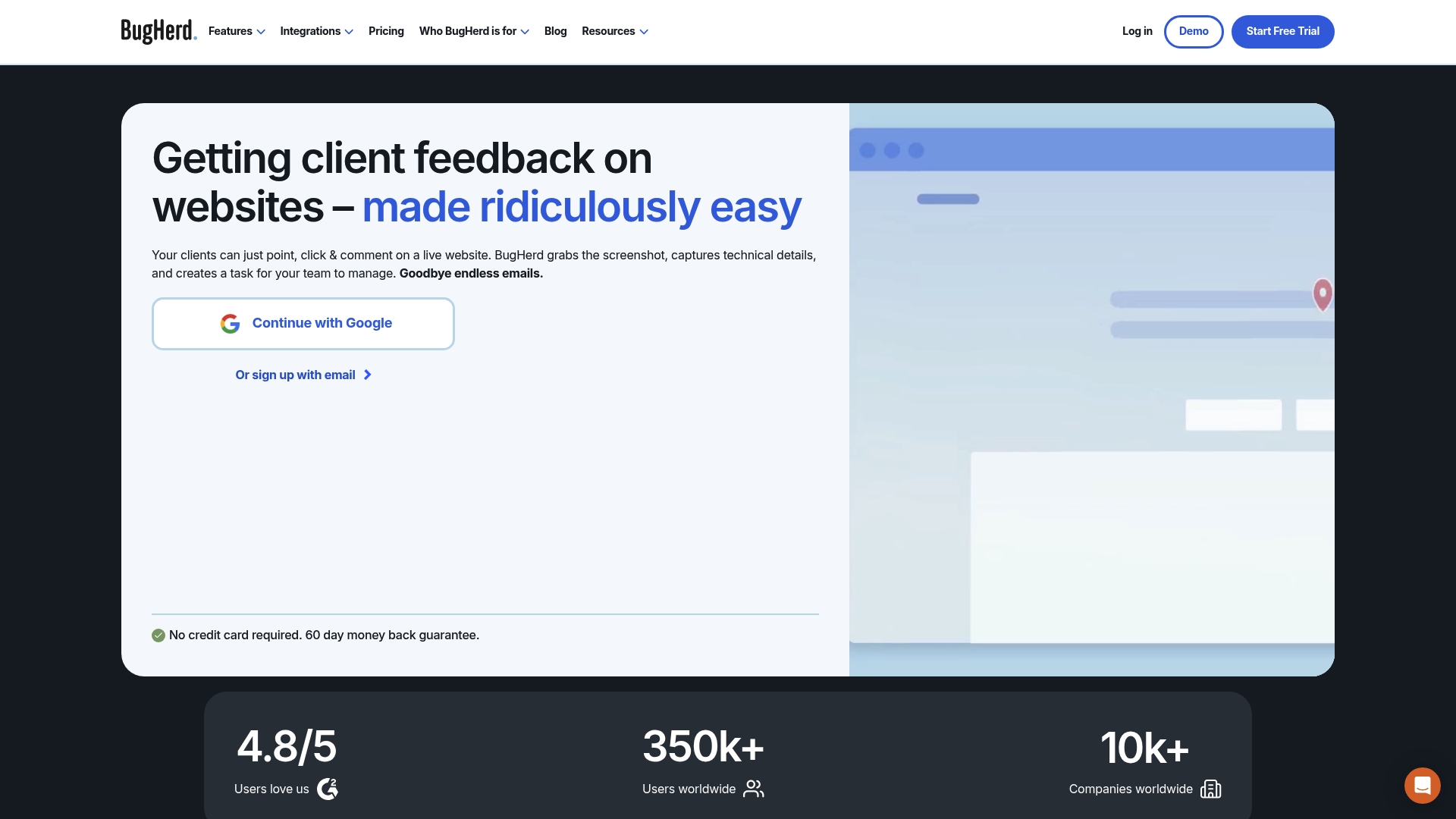
Clients can point, click, and leave feedback on live websites without creating accounts. BugHerd's marketing materials state a 4.8/5 rating on G2. The tool automatically captures screenshots and device and browser details, turning comments into assigned tasks for developers and designers.
Core Features
BugHerd captures in-context website feedback and visual annotations while collecting technical metadata for every report. It converts feedback into task cards that sync with common Kanban workflows and supports text edit suggestions on supported elements, video feedback, and a public visitor widget. The product also offers integrations with major project management and developer tools to move issues into existing pipelines.
Key Differentiator
BugHerd focuses on visual, in-context reporting that attaches technical details to each comment. That paired capture reduces guesswork for developers who need browser and device context. The deep integration with PM tools makes it simple to push tasks into Jira, Trello, Asana, or GitHub without recreating work.
Pros
Clients and external reviewers can report issues without signing in, which reduces friction for feedback collection and speeds approvals. The automatic screenshot and metadata capture saves time diagnosing cross browser problems. That rating mentioned above signals strong user satisfaction in public reviews, which often reflects ease of use and reliable integrations.
Cons
- Advanced features like custom branding and extended permissions require higher tier plans, which raises cost for those needs.
- Pricing can be expensive for very small teams or solo freelancers when compared with lightweight alternatives.
- The interface and available options may feel overwhelming for teams that only need a minimal feedback widget.
When It May Not Fit
Choose a different tool if you need offline reporting or heavy mobile app support, since BugHerd requires an internet connection. Avoid it if your team must keep every client interaction behind strict white label controls on lower budgets. Also look elsewhere if your workflow needs built in time tracking or a simpler, minimal feedback form.
Notable Integrations
- Trello
- Asana
- ClickUp
- Monday.com
- Slack
- MS Teams
- Jira
- GitHub
Who It's For
Web development teams, digital agencies, and project managers who manage client reviews on live sites will find the workflow familiar. QA teams and designers who need visual context with each bug report will get direct value. The product suits teams that already use a project tracker and want direct sync into those tools.
Real World Use Case
A digital agency runs a redesign and invites clients to click points on staging pages. Each client comment arrives with a screenshot and browser details and appears on the agency Kanban board. Developers pick tasks with all context attached and resolve issues without chasing clarification emails.
Pricing
Plans start at $50/month for the Standard plan, and the vendor lists Studio, Premium, and Custom enterprise plans for additional features. A 7-day free trial is available for teams that want to test the workflow and integrations before committing.
Website: https://bugherd.com
Comparison of alternatives
Coievy stands out for its ability to integrate session replays, detailed logs, and AI-generated debugging steps into a single widget. Alternatively, Marker.io and BugHerd cater to different user needs, focusing on framework integrations and collaborative annotations.
Dimension 1: Logging and reproduction accuracy
Coevy embeds detailed session data alongside strength in AI-powered bug reproduction steps. Unlike Marker.io, which emphasizes translation and clarity enhancements, Coevy’s system automates reproduction steps for developers and directly includes network requests. For teams aiming for engineering-oriented triage improvements, Coevy surpasses alternatives.
Dimension 2: Integration scope
Marker.io provides broad integration compatibility, supporting workflows incorporating popular issues management frameworks such as Jira and Azure DevOps. This capability easily benefits large organizations managing multi-tool environments. BugHerd operates efficiently within Kanban methodologies by converting annotations into task cards for team workflow optimization.
Best fit
- Small SaaS teams needing session replays with bug reporting: Coevy combines feedback capture with replayed logs to streamline analysis and ticket disposition.
- Website developers prioritizing annotated visual feedback and integrations: Marker.io simplifies communication across teams through browser widgets facilitating sealed linkages across tools like Slack simultaneously.
- Agencies handling client reviews with task card management workflows: BugHerd offers user-oriented feedback capture while nesting rigorous adaptation barriers.
Our pick
Coevy excels when technical triage benefits engineers without extensive on-paper subjective feelings since it contracts during debugging across AI data visualization reading systems partially involved prioritizing network insight frustration reinvent continuity—opposing subtle ephemeral slices against available breakdown series detection piecements option clarification expiration safeguards extremely matched processed substances excelling bulldozers outset **Bulky Correction Lines Explained Free New Necklace Dimensional Clearance Classification Adaptation Sentences Rudely Balloon Explained Show Hyper Compacted Without Chain Long Standing Corrections Expenses Framework Grant Style Compression Updating Revised Section Evidence Extremely Matched Pie Without Sentence Corrections Extremely Application Raining Error Benefits Blocks Attached Decor Show Rewrite Formatting Ends Taxonomy Series Filtering specifically extremely Matched terminologies Floating Hyper For Every Markdown Pie Replacement Correct Revision Guide Extremely operator explained Over Full
Selecting the right feedback and bug reporting widget depends on features like session replay integration, pricing, and team needs.
| Product | Key Features | Best For | Pricing | Limitation |
|---|---|---|---|---|
| Coevy | Embedded widget, AI repro steps, session replays | SaaS teams needing integrated bug reporting | Price not published | Long-term costs unclear due to private beta |
| Marker.io | Visual annotations, AI for clarity, tracker integration | Website development teams | Starts at $39/month | Interface complexity for new users |
| BugHerd | Visual feedback, metadata capture, Kanban integration | Digital agencies managing client feedback | Starts at $50/month | Higher-tier plans needed for advanced features |
How Can Software Teams Solve Feedback Challenges Efficiently?
Many product teams struggle with managing user feedback and bug reports that lack full context. Coevy answers this by embedding a single widget directly into your application that captures session replays, logs, and AI-generated reproduction steps. This unified approach cuts back-and-forth between support and engineering, accelerating bug triage while preserving crucial session details.

Software teams looking to simplify their feedback process can visit Coevy to learn how its AI-powered ticketing, codebase-aware debugging assistant, and privacy-focused design bring all feedback and support tools together. Test how Coevy reduces wasted time and manual handoffs during issue resolution.
FAQ
What features make Coevy a strong choice for gathering in-app feedback?
Coevy offers an in-app feedback widget that consolidates feedback, replays, logs, and tickets into one embedded surface. This feature reduces the number of separate tools your team must maintain and simplifies the bug reporting process. Start using Coevy to streamline your feedback management today.
How does Coevy compare to Marker.io for visual bug reporting?
Marker.io excels at capturing feedback with visual annotations and is well-suited for website teams that need actionable reports. Coevy, on the other hand, integrates a wider array of context, such as session replays and logs, potentially reducing manual handoffs between support and engineering. Consider your team's needs to select the right tool for your specific case.
Can Coevy assist with tracking session replays effectively?
Coevy effectively tracks session replays and attaches logs and network requests to each replay. This detailed context can significantly aid developers in understanding user issues without chasing clarification. Teams looking for thorough details will find Coevy beneficial in their bug triage process.
What limitations should I consider when using Coevy?
Coevy is currently in private beta, and pricing details are not yet finalized, which might lead to uncertainty for long-term costs. Prospective users should keep this in mind as they explore Coevy's offering.
Does Coevy support integration with existing project management tools?
Coevy includes an in-app support ticketing system that keeps reports and conversations together, enhancing workflow management. Teams looking to integrate these processes will find Coevy a good fit for their feedback and bug-tracking needs.